01
Photo-based patterns
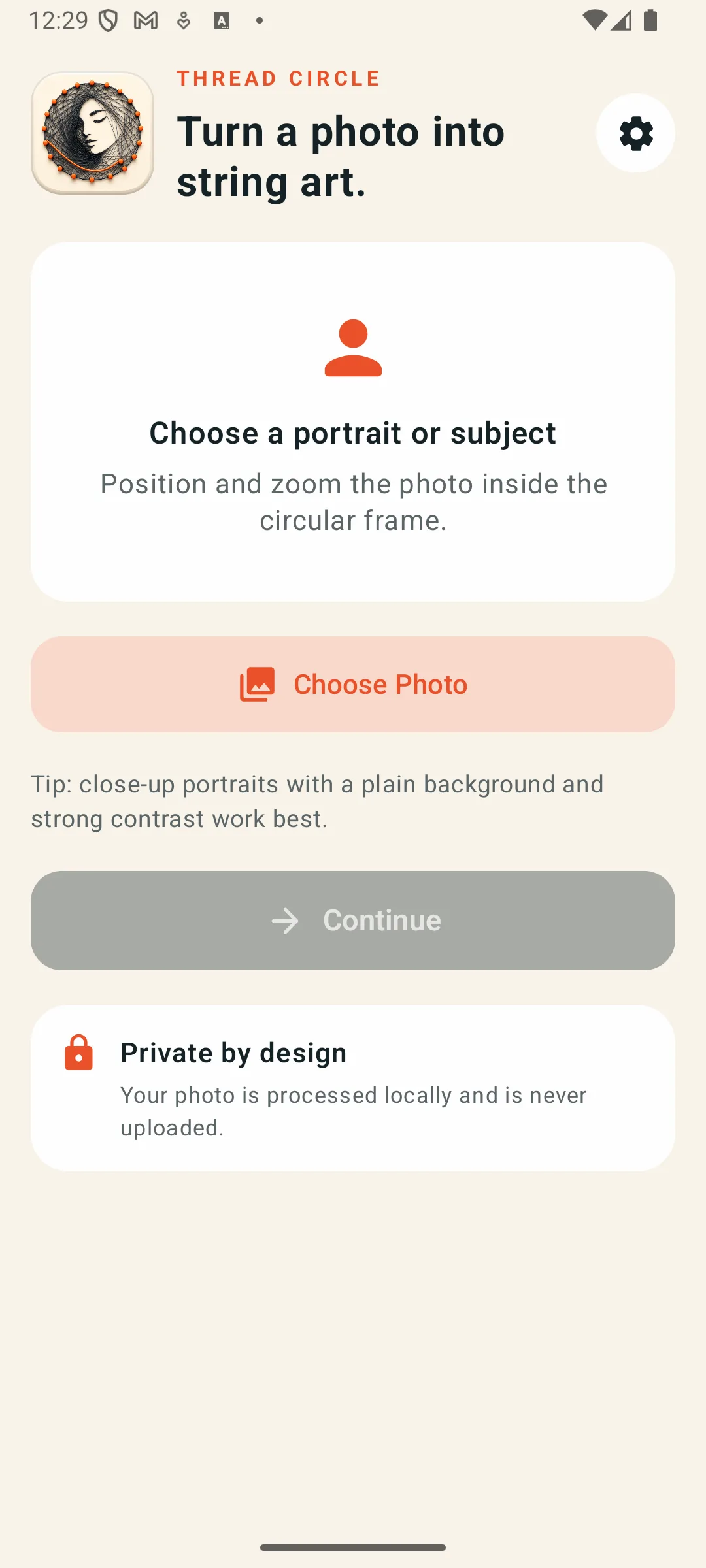
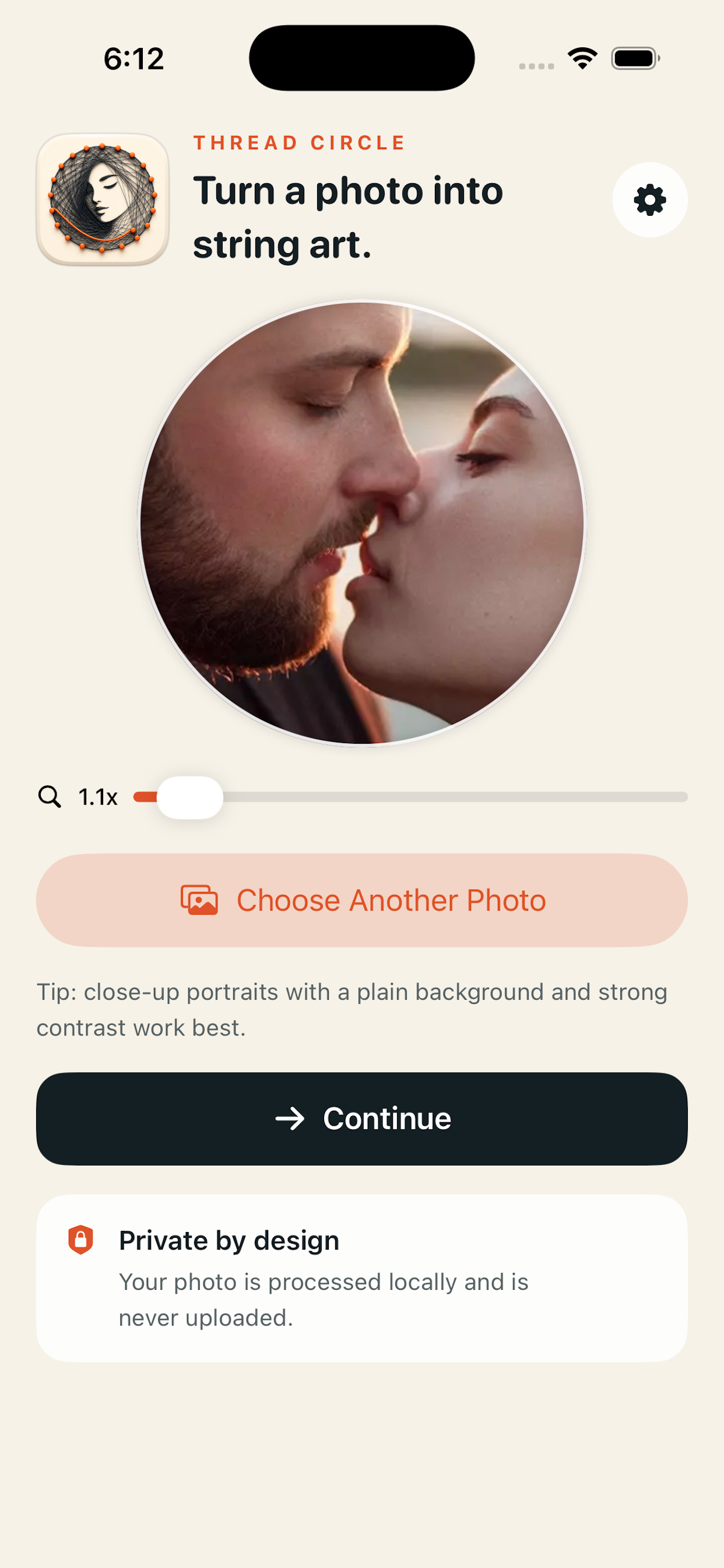
Position and zoom a portrait or subject inside a circular crop before generation.

Photo in. Pattern out.
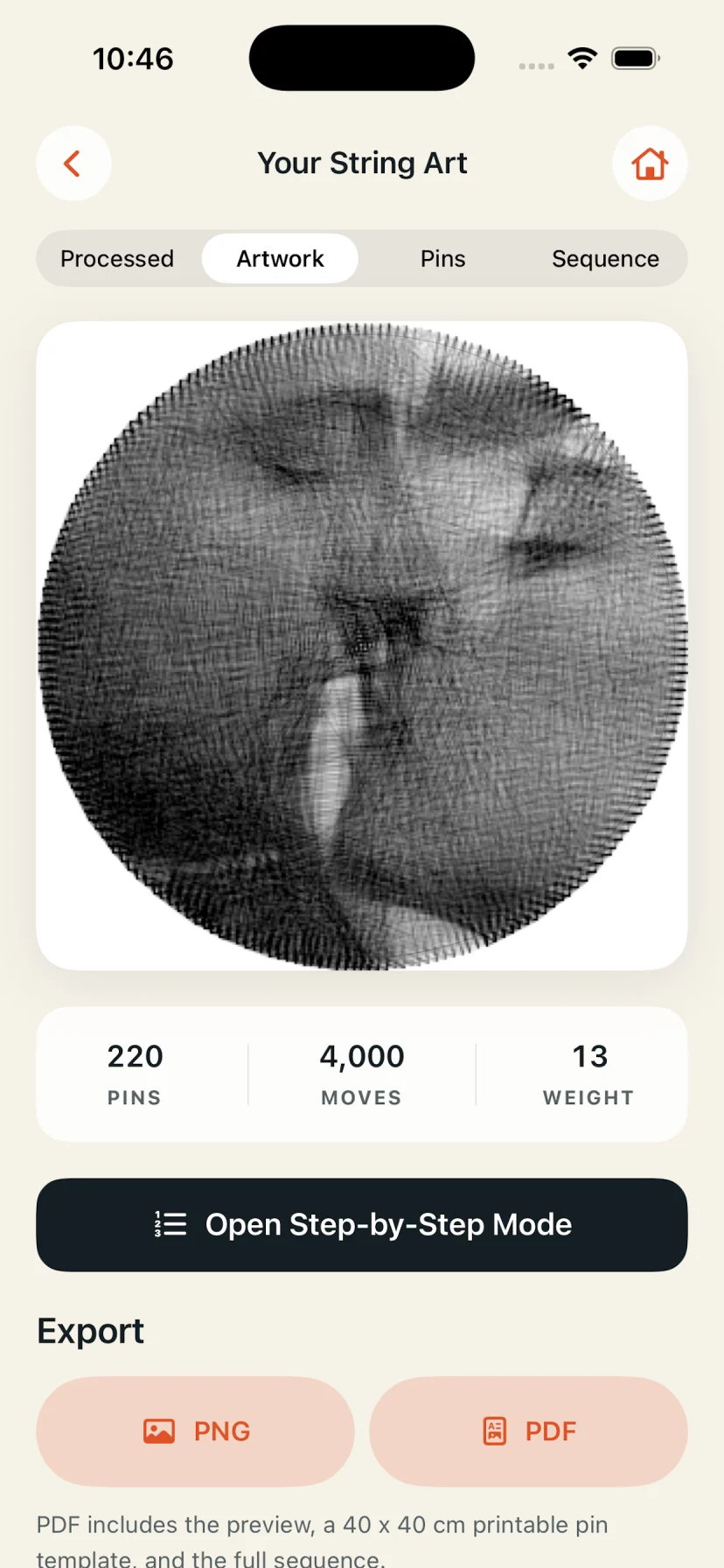
Thread Circle creates a complete circular string art plan from your photo: artwork preview, numbered pins, every thread move, and printable exports.

 Free • Android, iPhone, and iPad
From pixels to thread
Generate the design, understand the pin route, and take the plan from your screen to a physical board.
Position and zoom a portrait or subject inside a circular crop before generation.
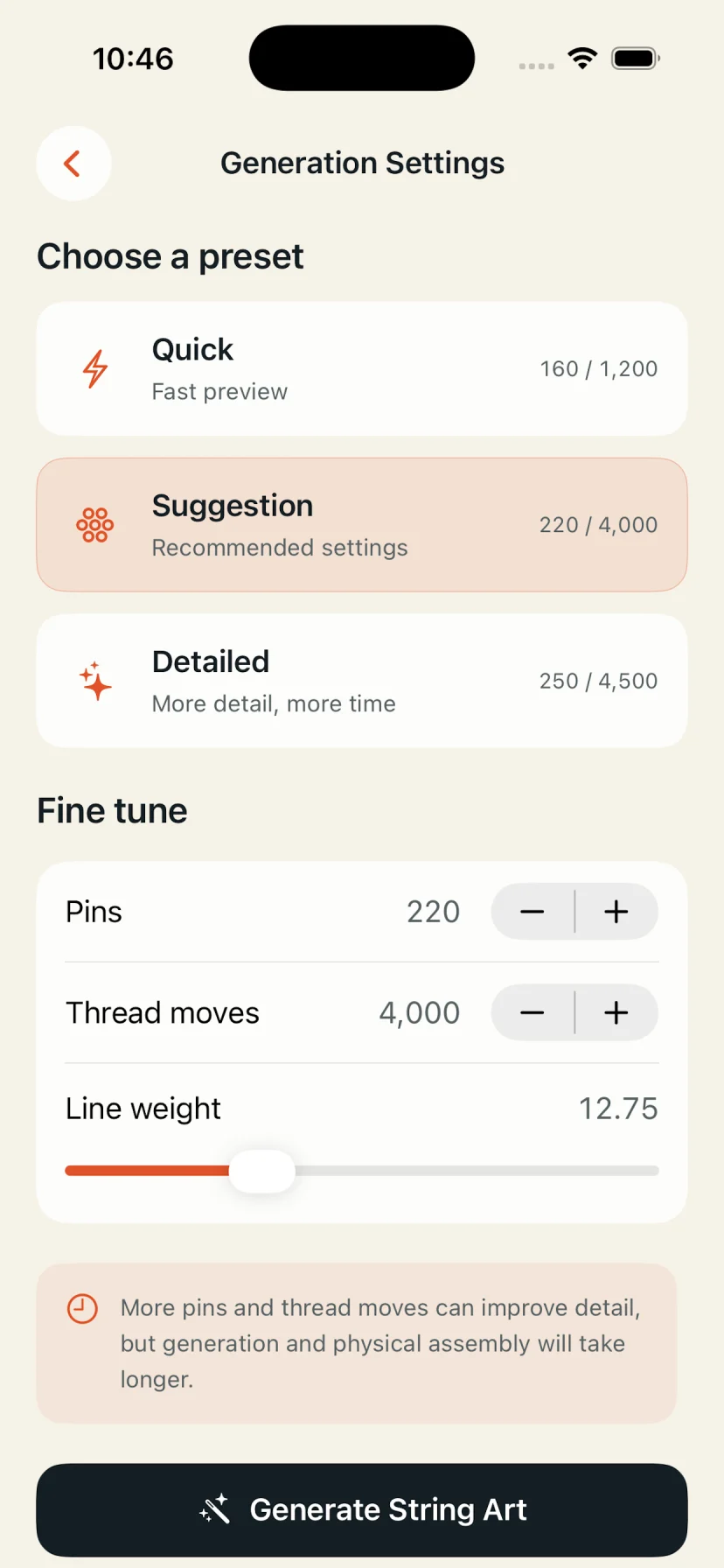
Choose a preset or fine-tune pin count, thread moves, and line weight.
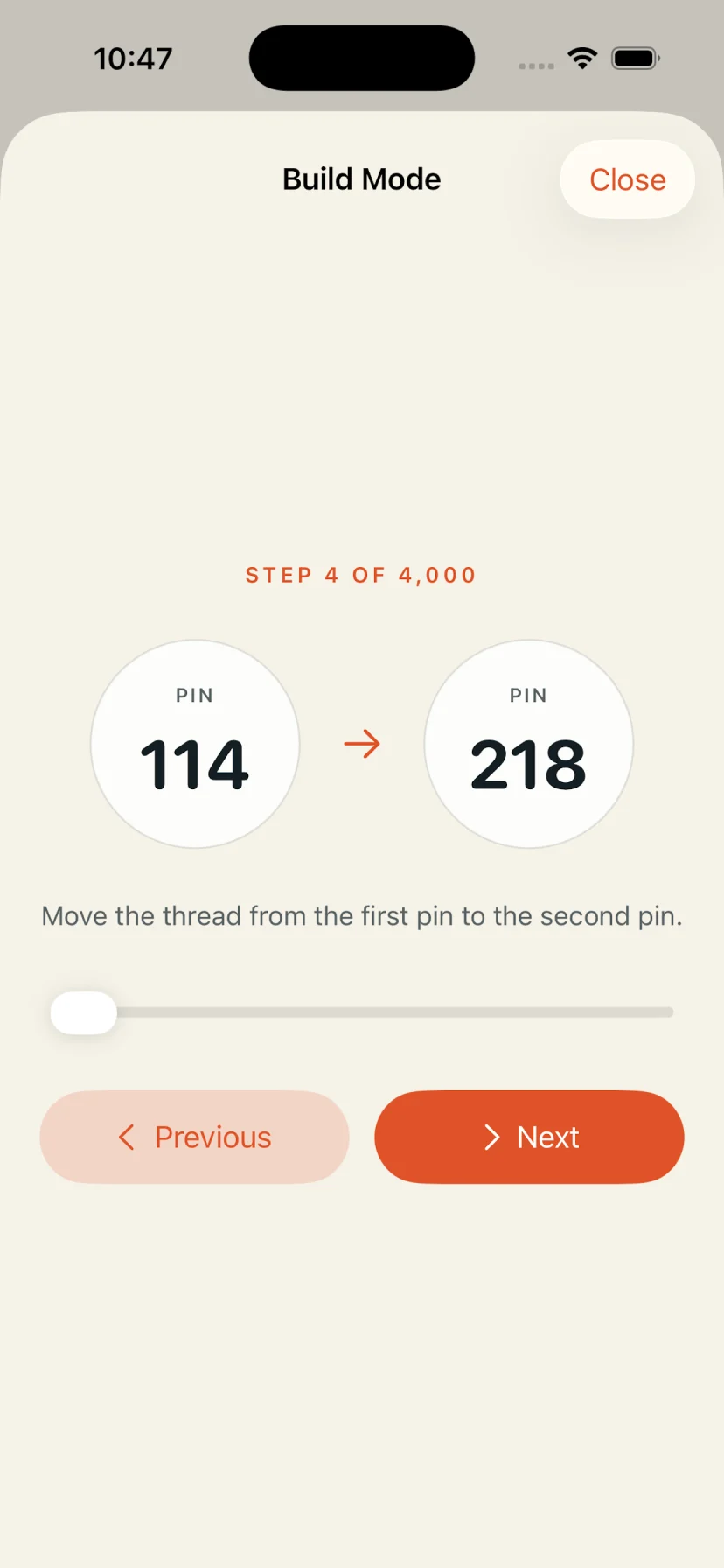
Follow each move from one numbered pin to the next while assembling the piece.
Export a PNG anytime, then unlock a 40 × 40 cm printable PDF with the complete sequence.
Simple workflow
The app handles the calculations so you can focus on choosing the image and building the final piece.
Select a photo, then position the subject inside the circular frame.
Use Quick, Suggestion, or Detailed settings—or adjust the values yourself.
Thread Circle calculates the artwork on your device without uploading the photo.
Save the PNG, print the PDF template, and follow the numbered route while you build.
Inside the app
Start on Android or iOS, crop your source, tune the pattern, inspect the result, and follow every thread movement.
Your selected photo is processed on your device and is not uploaded to BPZone. Thread Circle uses Firebase for analytics and stability, plus Google Mobile Ads for banners, consent choices, and rewarded PDF export.
Read the Privacy PolicyDownload Thread Circle free on Google Play or the App Store.